
Related Tools
My free “Related Tools” are simple, one-page utilities I built to remove friction from everyday work on any device, whether you are coding, studying, planning a trip, or just organizing your day.
Why I Built These Tools
I spend a lot of time in browsers and terminals, and I got tired of heavy apps and pop‑ups for basic tasks like checking a timer, converting units, or testing typing speed. So I started building small, focused tools that load fast, respect your attention, and do exactly one thing well.
All of them are:
- Free to use in the browser, with no login required.
- Minimal and distraction‑free, so you can keep them pinned while you work or study.
- Mobile‑friendly, so they work on a laptop during deep work or on a phone on the go.
You don’t need to be a data scientist or developer to get value from these tools. They’re designed for anyone who works or studies in front of a screen.
If you try them and have ideas, improvements, or bug reports, contact me. Your feedback will directly shape the next iterations of these tools.
Quick Clock
Your browser-based clock, timer, alarm, and stopwatch
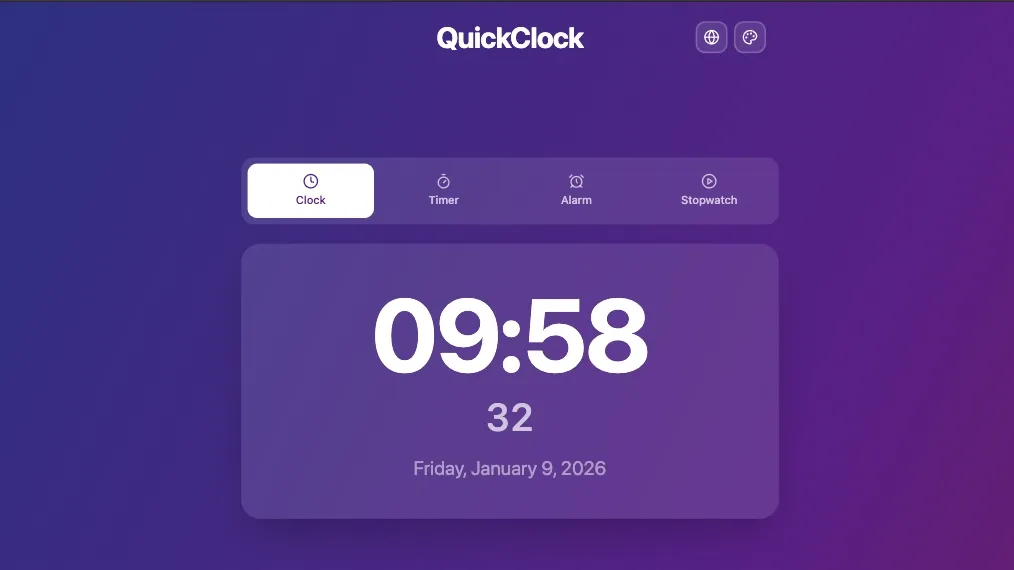
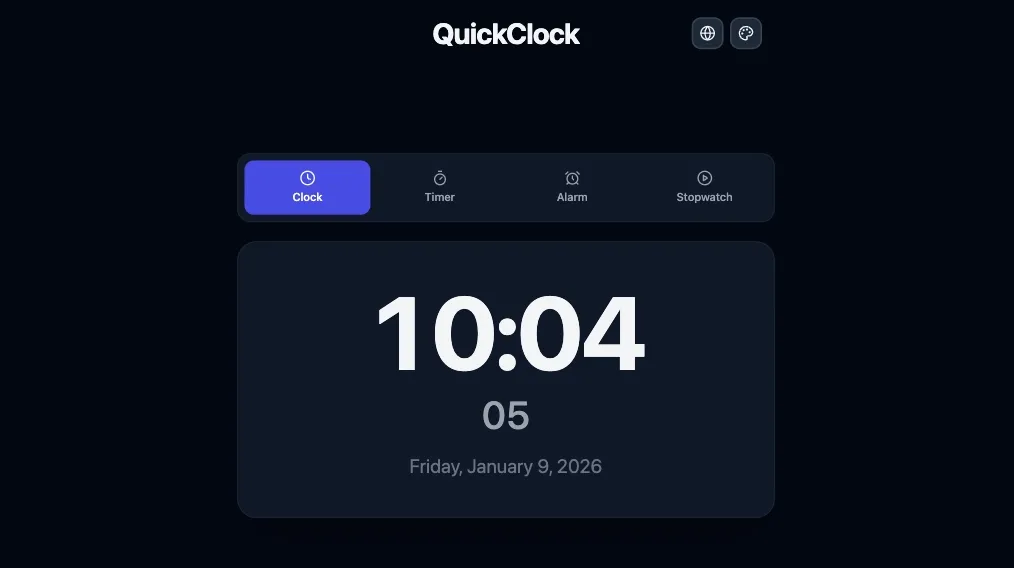
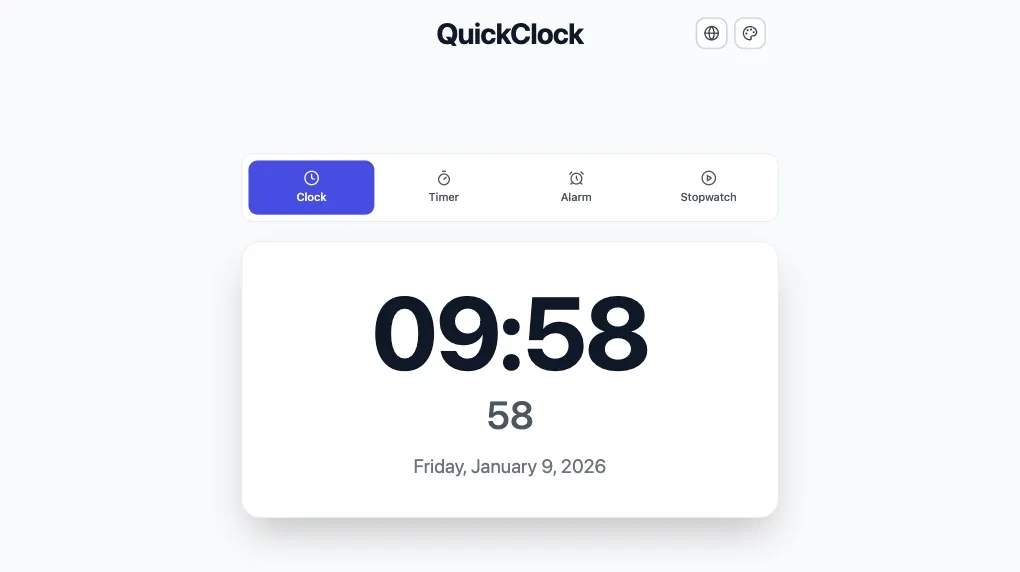
Quick Clock gives you a live clock plus core time tools—countdown timer, alarm clock, stopwatch with laps, presets, fullscreen, keyboard shortcuts, and browser notifications—all on a single page.
I originally built it because I kept juggling between system clocks, timer apps, and random “online timer” sites. Now I keep Quick Clock open in a tab for:
- Deep work sessions: Set a countdown with a sound and browser notification, then go fullscreen to stay focused.
- Online meetings and calls: Keep a visible clock and quick timer when time‑boxing agenda points.
- Study or practice blocks: Run repeated 25–50 minute study or coding sprints with lap timing to see how long tasks actually take.
Key features at a glance:
- Live clock with clear time display.
- Countdown timers and alarms with presets.
- Stopwatch with lap tracking.
- Fullscreen view, keyboard shortcuts, and browser notifications so you don’t miss the end of a session.
https://quickclock.app
Quick Unit Converter
Fast unit conversions in your browser
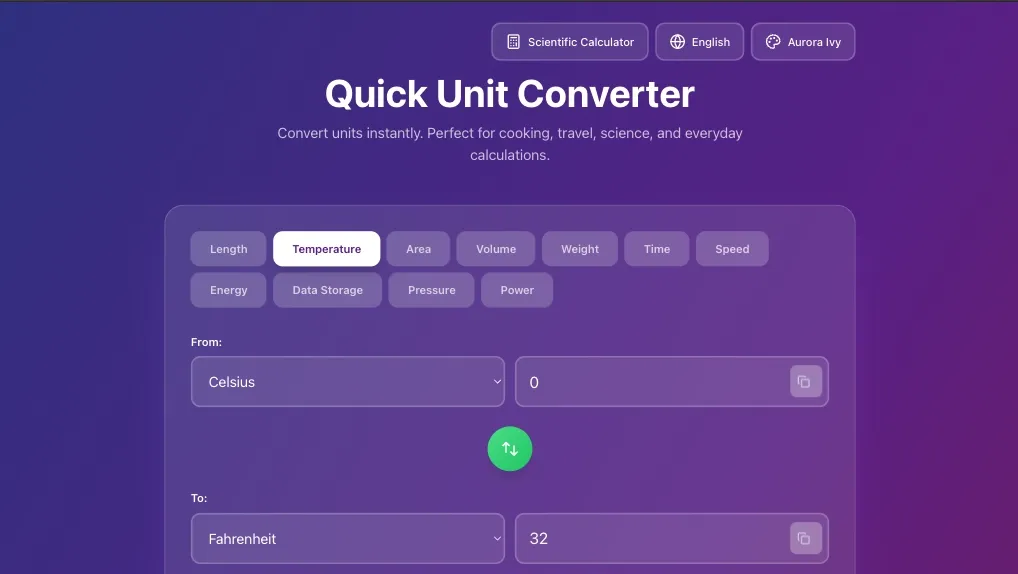
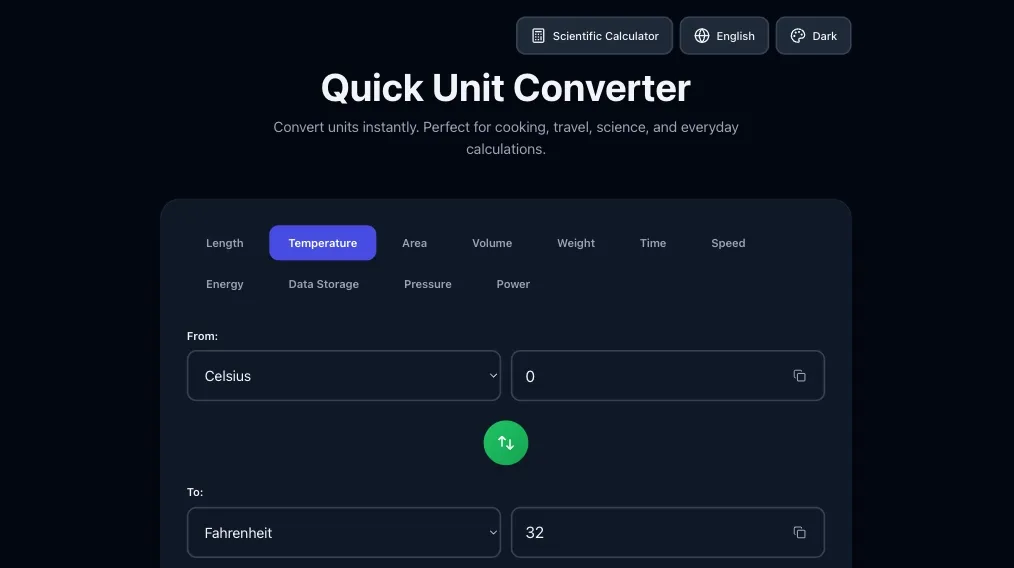
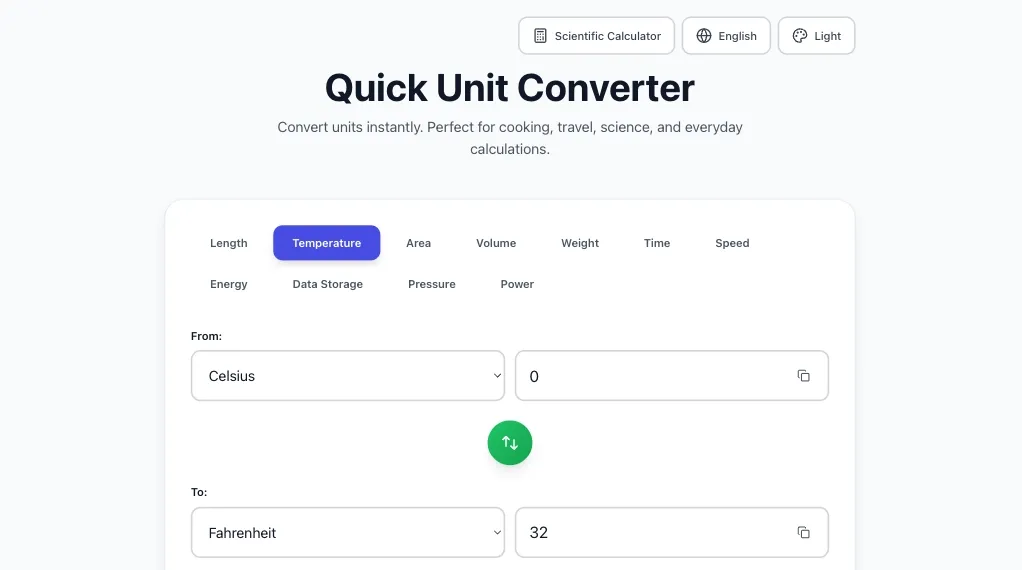
Quick Unit Converter is a lightweight, browser-based unit converter for everyday conversions like length, weight, temperature, speed, and volume. Instead of loading a bloated app or digging through search results, you can convert values in a clean, focused interface in seconds.
Use it whenever you need quick, reliable conversions:
- Travel & life abroad: Convert kilometers to miles, Celsius to Fahrenheit, or liters to gallons while planning trips or reading foreign documentation.
- Home, DIY, and cooking: Switch between metric and imperial units for recipes, furniture measurements, or hardware dimensions.
- General work and study: Check units for school problems, side projects, hobby electronics, or content creation.
Highlights:
- Supports common unit categories such as length, weight, temperature, and volume.
- Simple, intuitive interaction: choose units, type a value, get instant results.
- Designed to be a one‑stop page so you don’t need multiple converters or apps.
https://quickunitconverter.app
TypeSprint
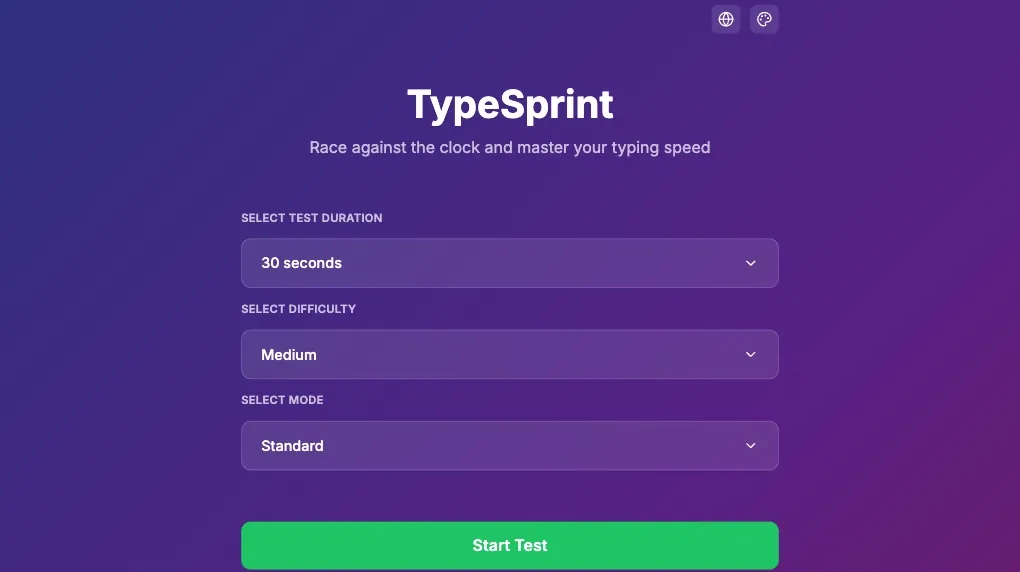
Modern typing speed test with real-time feedback
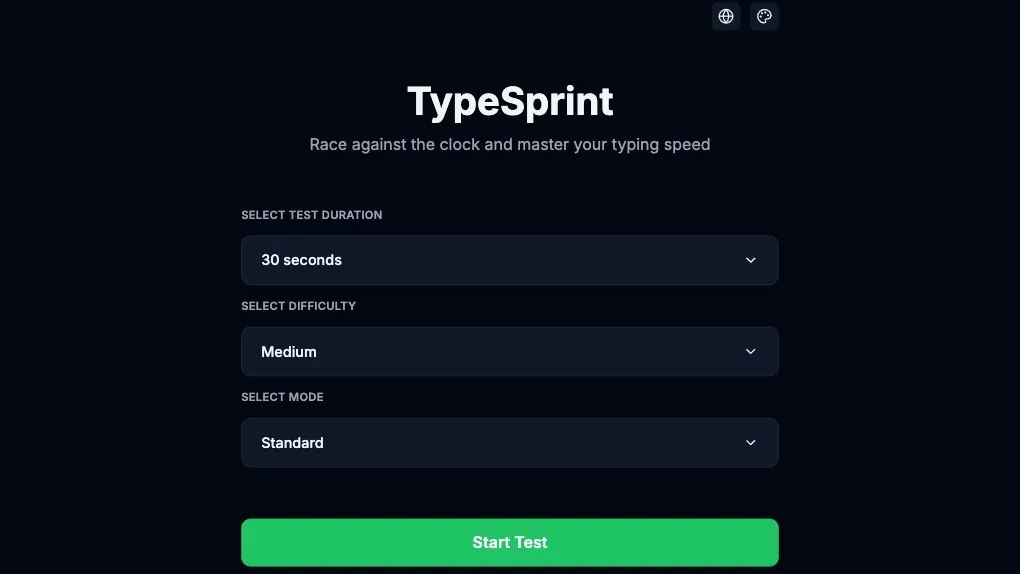
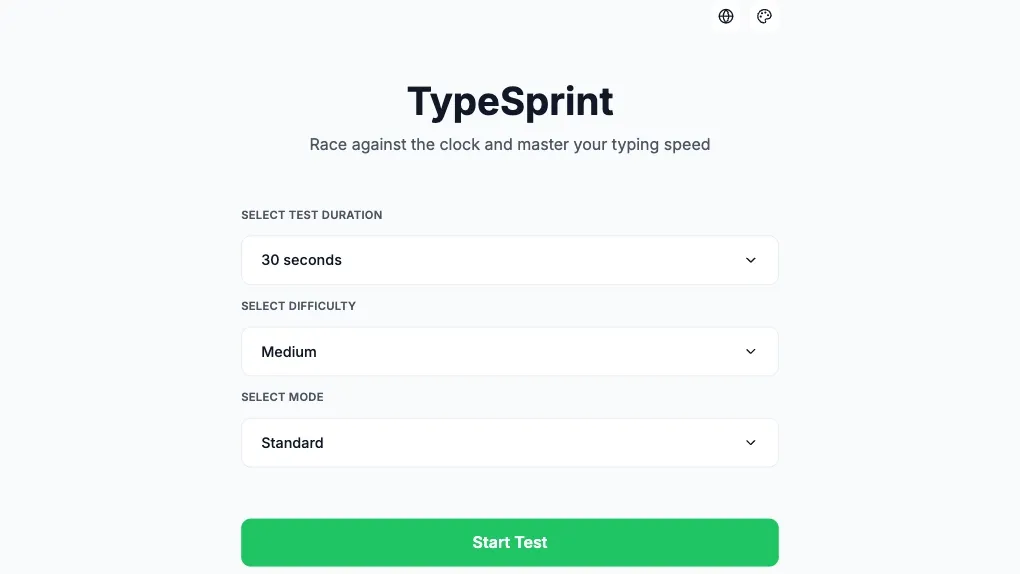
TypeSprint is a modern typing speed test that measures your words per minute (WPM) with real-time letter validation and a smooth interface. You type through word sequences, and you cannot progress past a wrong letter until you fix it, which makes the result more like a “net WPM” score than a raw, error‑filled number.
I built it because I wanted a clean, focused typing test that feels like practicing real text instead of gaming a leaderboard. It’s great for:
- Improving general typing speed: Practice a few minutes daily and track how your WPM changes over time.
- Language practice: Use multilingual word banks to get used to different character combinations and vocab.
- Warm‑ups before work: Do a quick run before a long writing, coding, or note‑taking session to get your fingers and focus ready.
What makes it different:
- Real‑time letter validation: you must correct mistakes before moving on, so scores reflect accuracy as well.
- Clean, modern interface that keeps the focus on the text and your performance.
- Multilingual word banks for more varied and realistic practice.
https://typesprint.app